
Environment Variables & Secrets Management: Doing It Right in Node.js
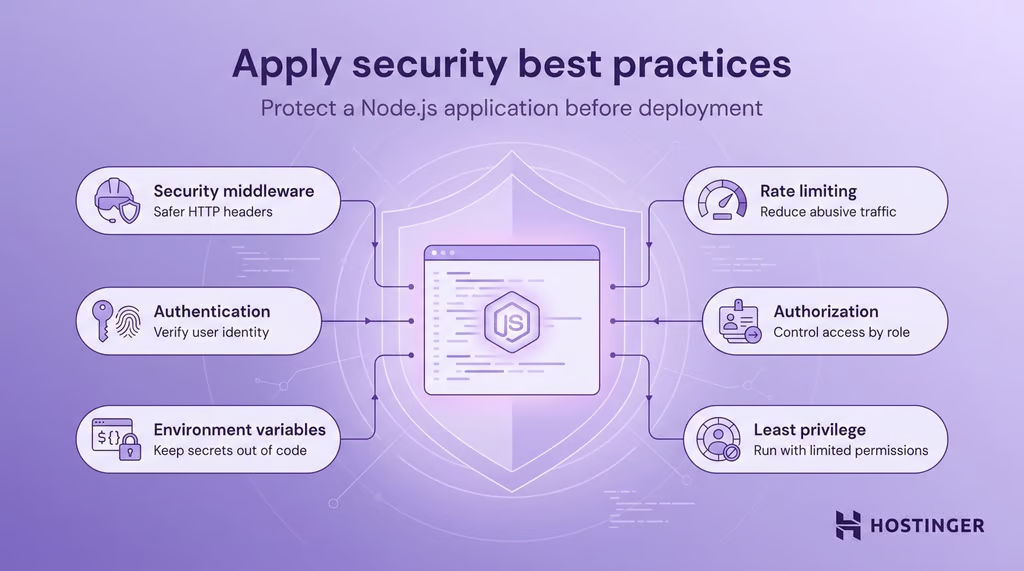
Almost every leaked API key or database password I've seen traced back to the same root cause: a secret that was never really treated as a secret. Here's how to actually handle environment variables and secrets in a Node.js project, from local development through to production.
Start with .gitignore, not after the first commit
Before anything else touches the project, make sure the real .env file can never be committed:
.env
.env.local
.env.*.local
Commit a .env.example instead, with the same variable names but placeholder values — this documents what's required without exposing anything real.
Validate required variables at startup, don't discover missing ones at runtime
A missing environment variable should fail loudly and immediately, not silently return undefined and cause a confusing bug three requests later:
require('dotenv').config();
constrequired= ['DATABASE_URL','JWT_SECRET','STRIPE_SECRET_KEY'];
required.forEach((key) => {
if(!process.env[key]) {
thrownewError(`Missing required environment variable: ${key}`);
}
});
module.exports = {
databaseUrl: process.env.DATABASE_URL,
jwtSecret: process.env.JWT_SECRET,
stripeSecretKey: process.env.STRIPE_SECRET_KEY,
};
This throws immediately on app startup if anything required is missing, instead of the app booting fine and only failing when a specific route is hit hours or days later.
Type-safe validation with Zod (optional but worth it)
For a larger project, a schema library catches type mistakes too, not just missing values:
constenvSchema= z.object({
DATABASE_URL: z.string().url(),
JWT_SECRET: z.string().min(32),
PORT: z.coerce.number().default(3000),
});
constenv= envSchema.parse(process.env);// throws a detailed error if anything is invalid
When to move beyond a plain .env file
If a secret does leak
Removing a committed secret from the latest commit is not enough — it's still recoverable from git history. Treat any leaked secret as immediately compromised: rotate it right away, rather than assuming a history rewrite fully contains the exposure, especially if the repository has ever been cloned or forked elsewhere.
Building a Node.js system that needs proper secrets and configuration management from day one? This is part of what I cover in DevOps services engagements.